FOR THE SCREEN YOU ALREADY OWN

You have a screen.
We have a hundred ideas for it.

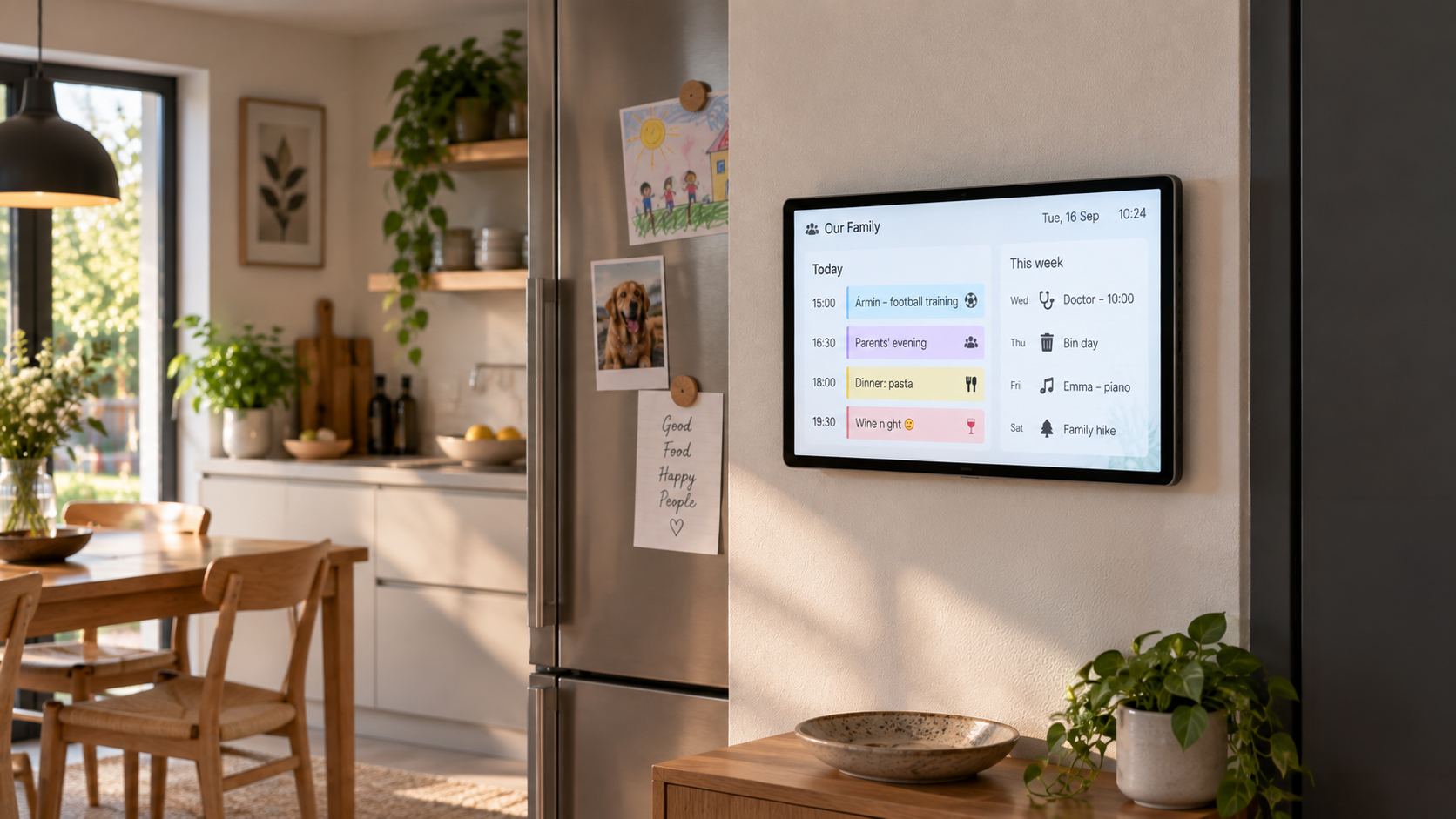
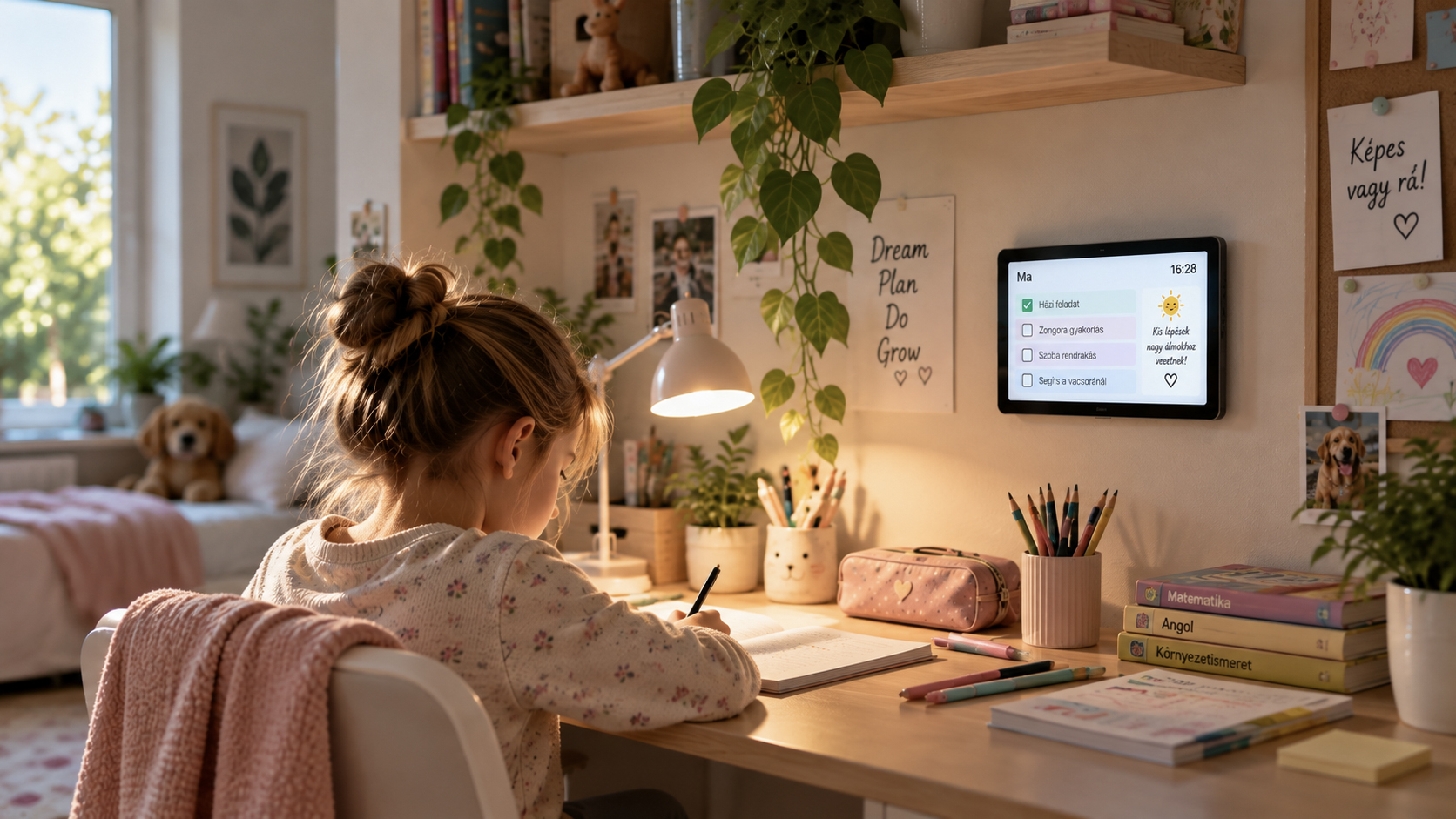
Cliora is free digital signage software that runs on ordinary web hosting and wakes up almost any display — from the tablet gathering dust in a drawer to the TV in a shop window. Pick the side you are here for, and see what other people do with it.

A SCREEN THAT EARNS ITS PLACE

One message.
Exactly where it counts.

A screen used well is not decoration. It sells, informs, warns and saves your colleagues time — and it makes the business look more serious than a faded printout taped behind the counter.

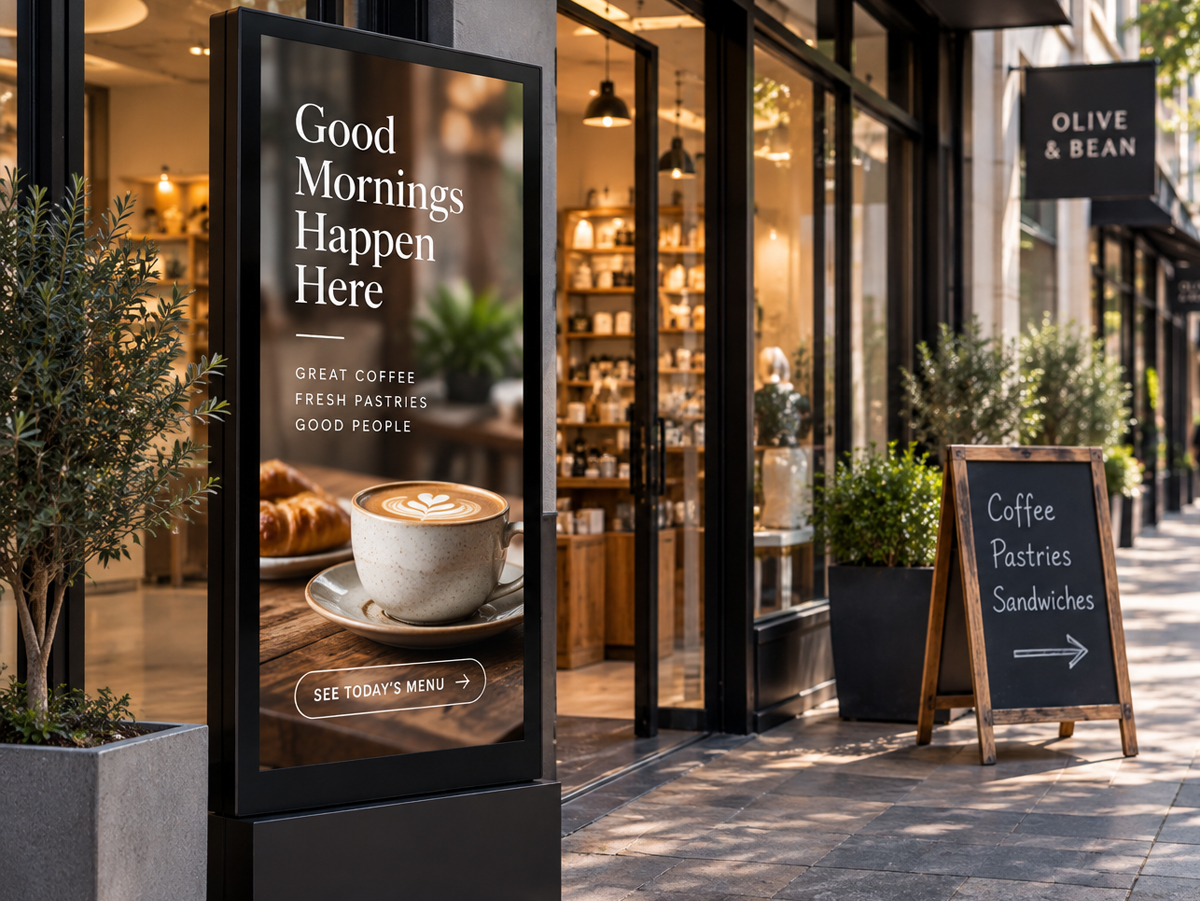
A café entrance with a window display and a chalkboard
01 / SMALL SHOP

A window that says something different by lunchtime.

Today's offer by the door, opening hours, the cards you take. No new poster to print when a price moves or the daily special runs out.

In Cliora: one content with several pages. Edit it from your phone and the screen shows it on its next check.

A shop counter with the product list on a screen behind it
02 / BEHIND THE COUNTER

A product list that is always the current one.

The range and the prices run on the screen behind the till. Customers see what things cost before they ask, and staff stop reciting the list from memory.

In Cliora: text elements placed exactly, in your own type and colour. A price changes in one place.

A supermarket aisle with a promotional display at the shelf end
03 / LARGER STORE

Many screens. One decision.

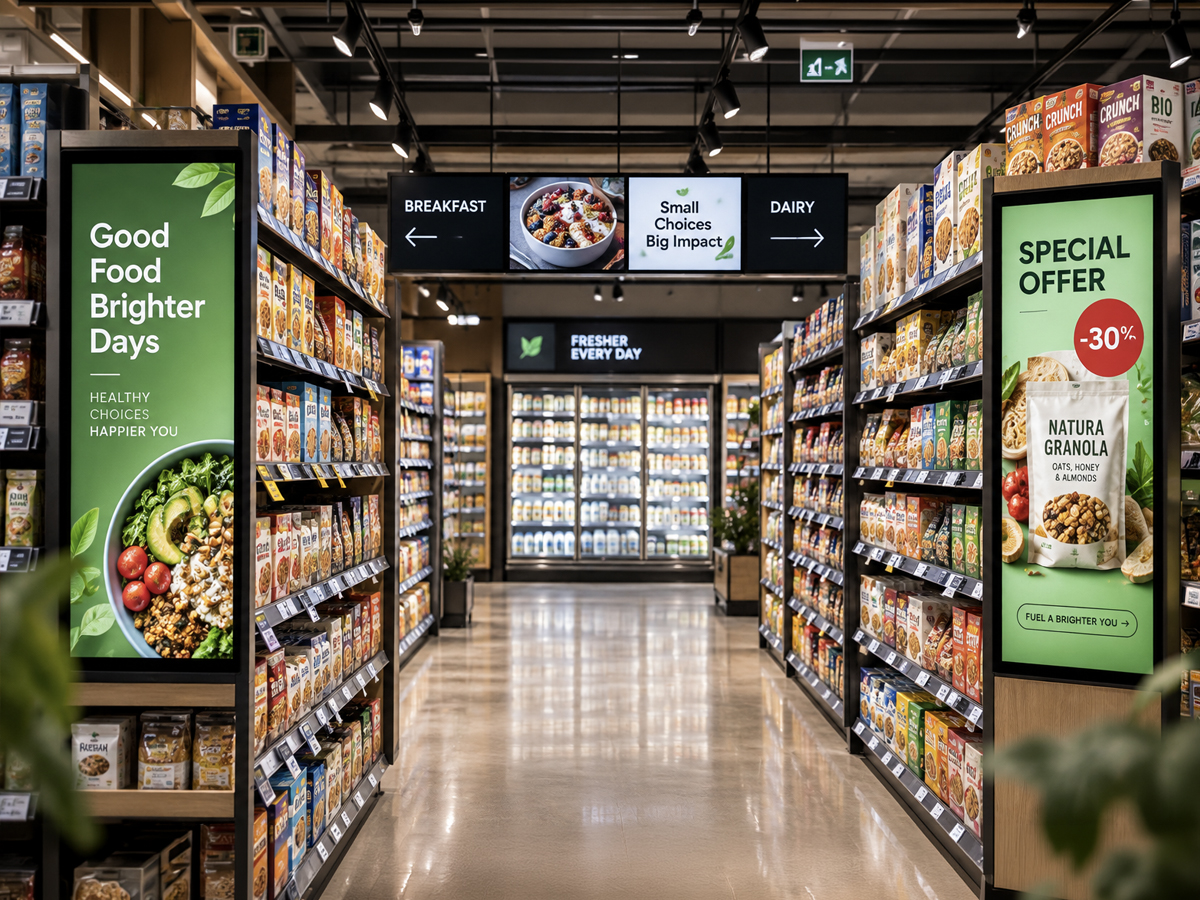
Aisle ends, the till line, the entrance. When the weekly promotion changes you do not walk the shop — you assign the same content to every display at once.

In Cliora: assign content to up to 100 devices in one step, and see when each of them last checked in.

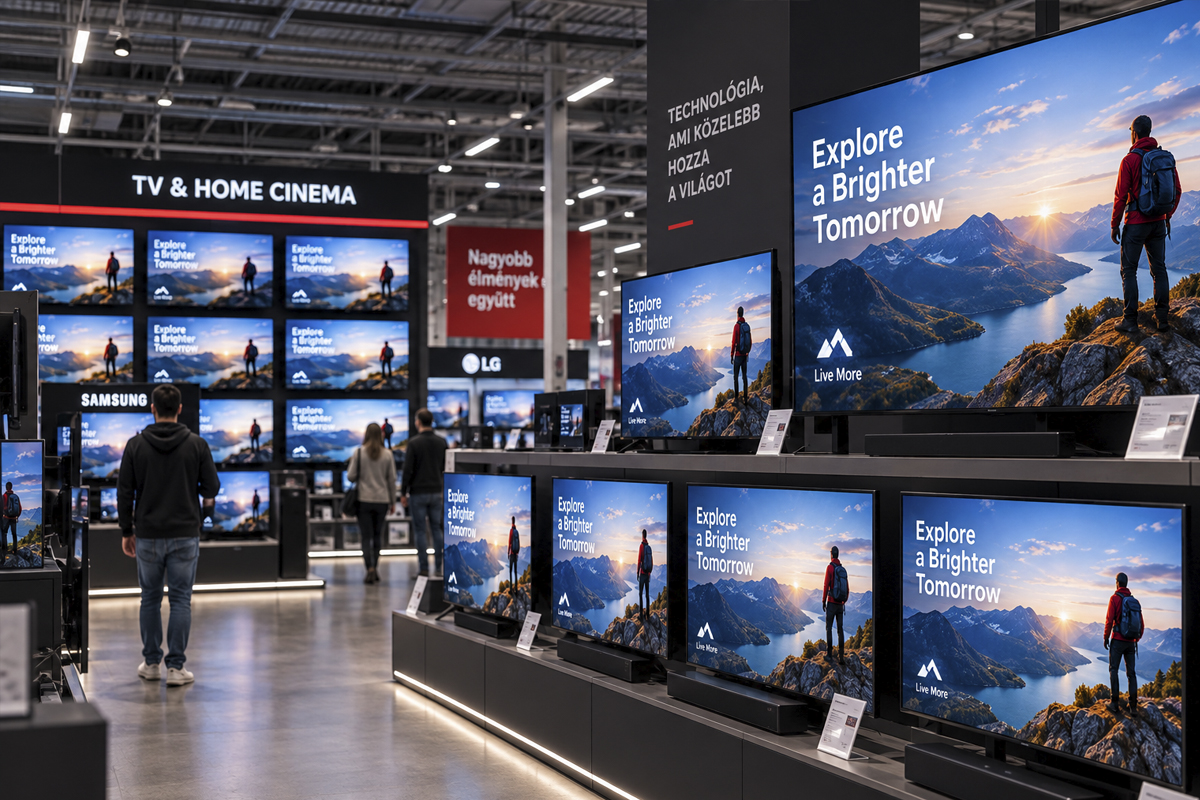
A wall of televisions in an electronics store, all showing the same picture
04 / ELECTRONICS RETAIL

Hundreds of televisions. The same picture.

Every set on the wall plays the same demo reel, or each one shows its own price card. A new campaign arrives and you upload it once.

In Cliora: the sets all watch the same link, so swapping one content rewrites the whole wall.

A shopping centre walkway with an advertising display
05 / ADVERTISING SPACE

A screen that pays for itself.

The space in a waiting room, by the entrance or along the tills can be sold to local businesses. Each advertiser gets an account and only sees and edits their own material.

In Cliora: per-user limits for content, storage, links and devices, plus folder permissions. As administrator you can look through any account.

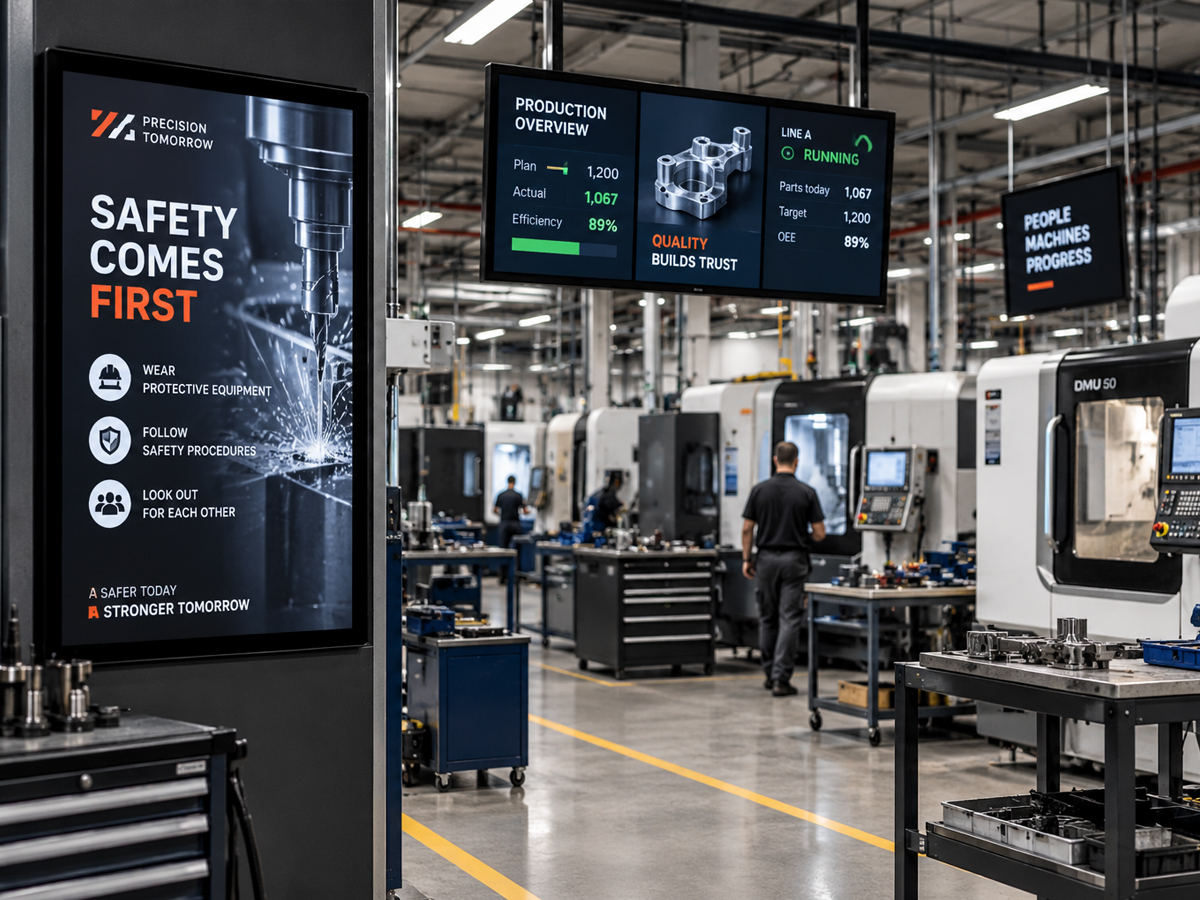
A machine workshop with a safety information display
06 / MANUFACTURING

Safety information people actually see.

A protective-equipment reminder at the hall entrance, machine-specific instructions above the workstation, days without an incident. The board nobody can walk past.

In Cliora: high-contrast single-page content. An old monitor is enough; there is no industrial display to buy.

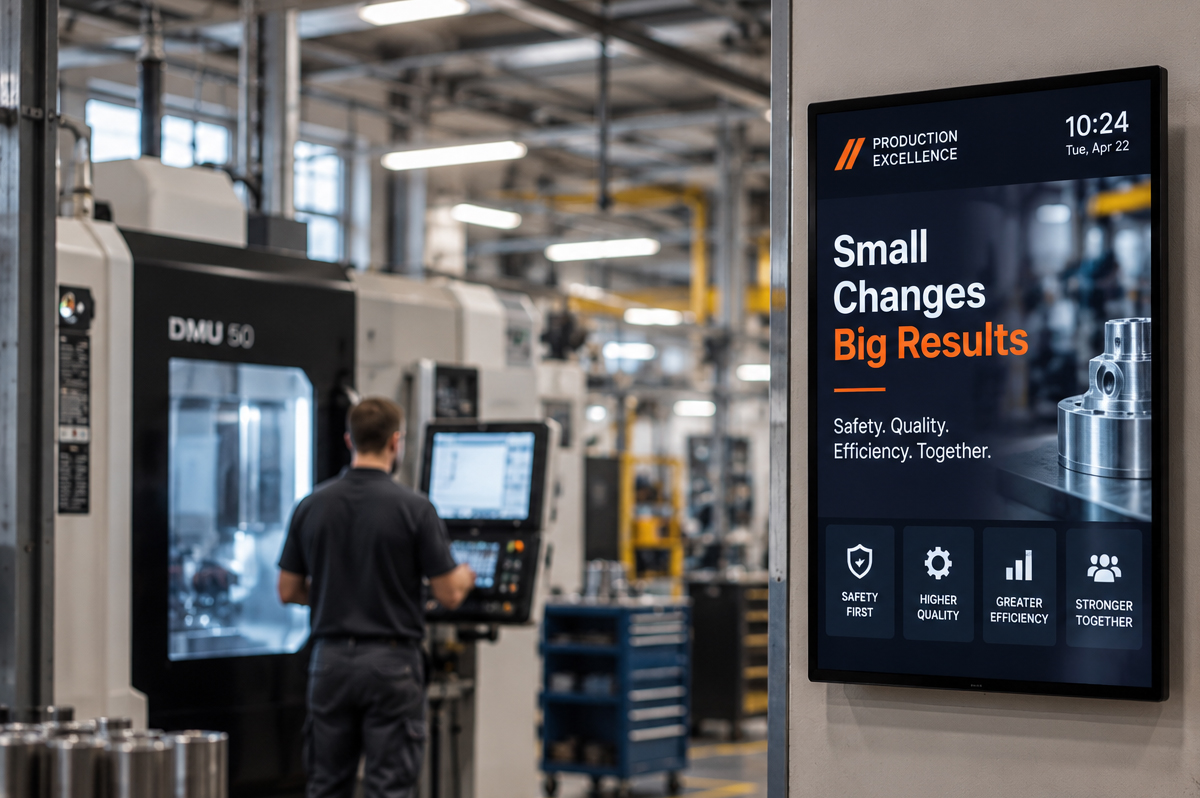
A factory hall with a shift information screen by the entrance
07 / SHIFT NOTICES

“Assembly team meets at noon.”

Handovers, stoppages, training, the canteen menu. Not everyone on the floor sits at a computer reading email — the screen reaches all of them.

In Cliora: rewrite it from your phone in a minute, or ask your connected AI to word it and put it up.

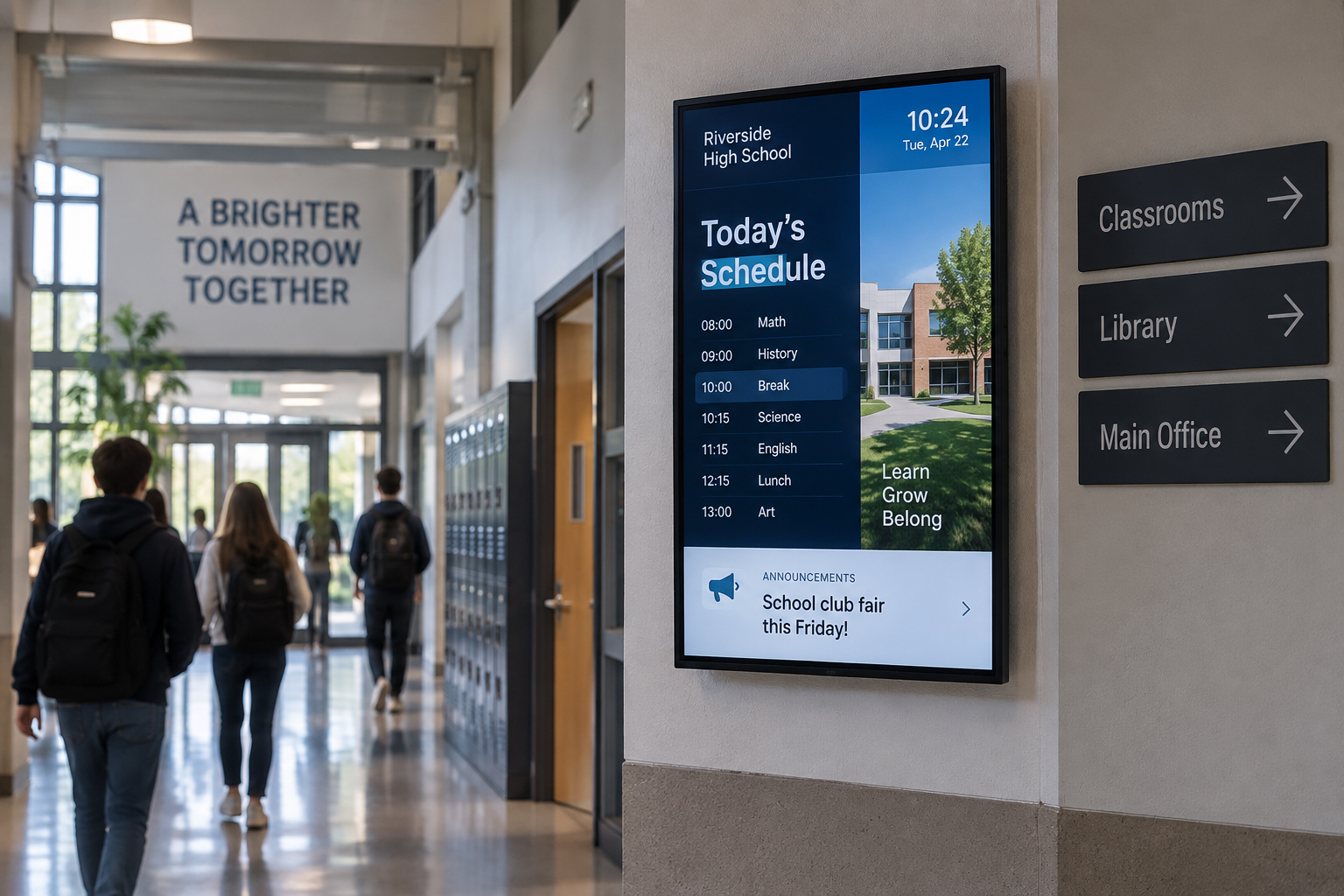
A school corridor with a display showing the timetable
08 / SCHOOLS

Timetables, cover lessons, bell schedule.

Information running in the hall and the corridors takes the weight off the office. Students read it where they already walk past.

In Cliora: several pages inside one content, moving at their own pace. The TVs and projectors the school already has are good enough.

A corridor with a screen showing the escape route
09 / WAYFINDING

Fire exits and directions.

Escape routes, assembly points, room allocation, the event schedule. A screen that informs in normal use and points the way when it matters.

In Cliora: large arrows and pictograms built from vector shapes, so they stay sharp at any resolution. This supplements, and never replaces, the safety signage required by law.

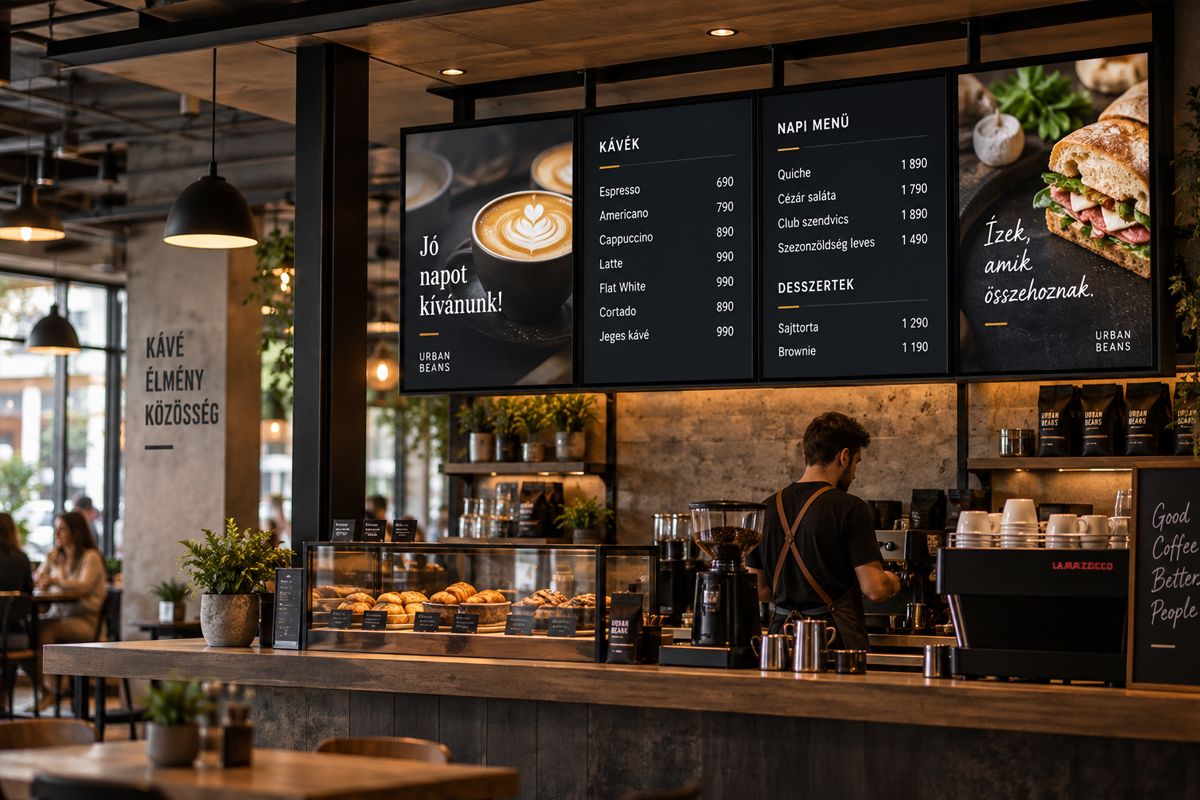
A digital menu board above a café counter
10 / HOSPITALITY

A digital menu board above the counter.

The day menu, coffee prices, allergen notes. When something sells out you strike it through — no chalkboard to redraw, no laminated sheet to replace.

In Cliora: several screens side by side, each showing its own page from the same family of content.

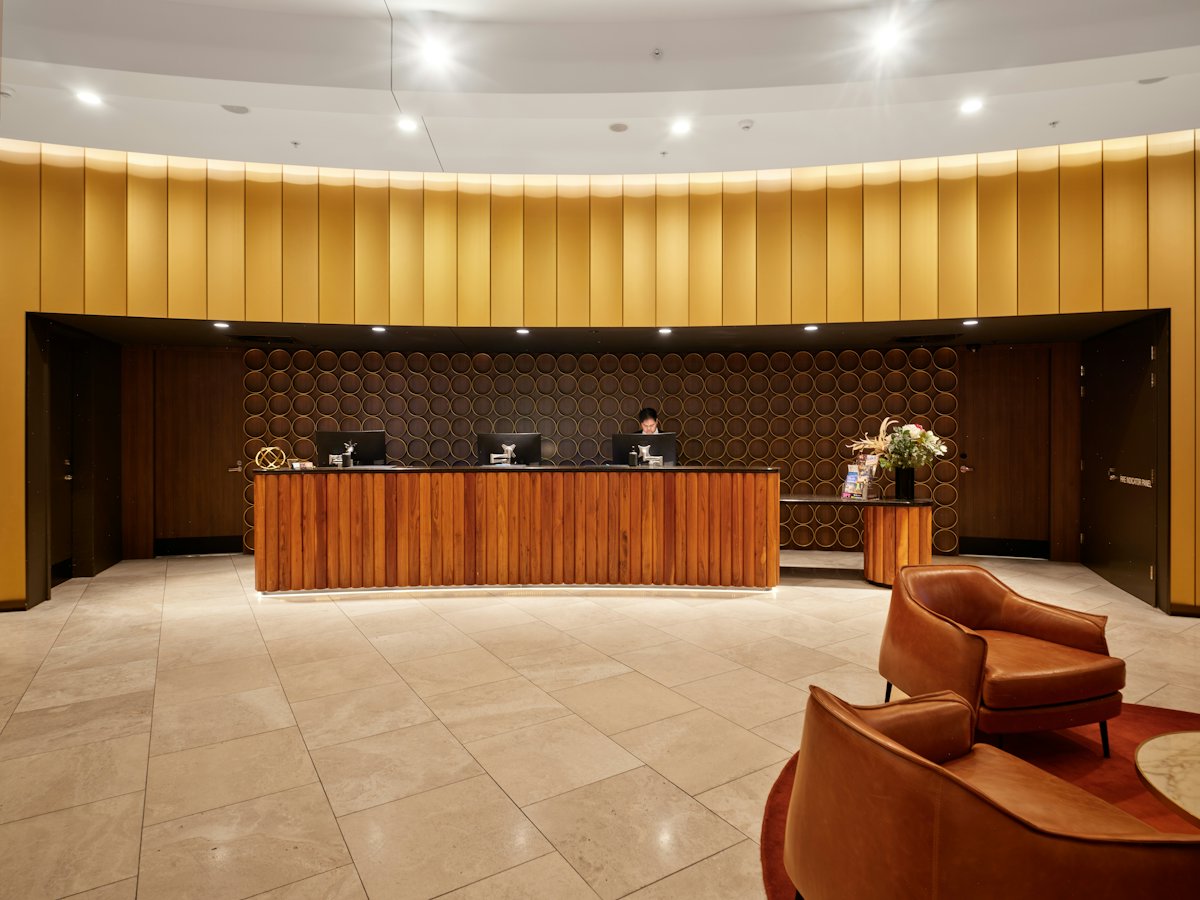
A reception and waiting area with an information display
11 / WAITING ROOMS

Waiting that feels shorter.

Queue numbers, today’s clinic, useful notes, the next event. At reception, a visitor’s name on the screen already changes the welcome.

In Cliora: load your own website or the public view of an internal system, and have it refresh on the interval you set.

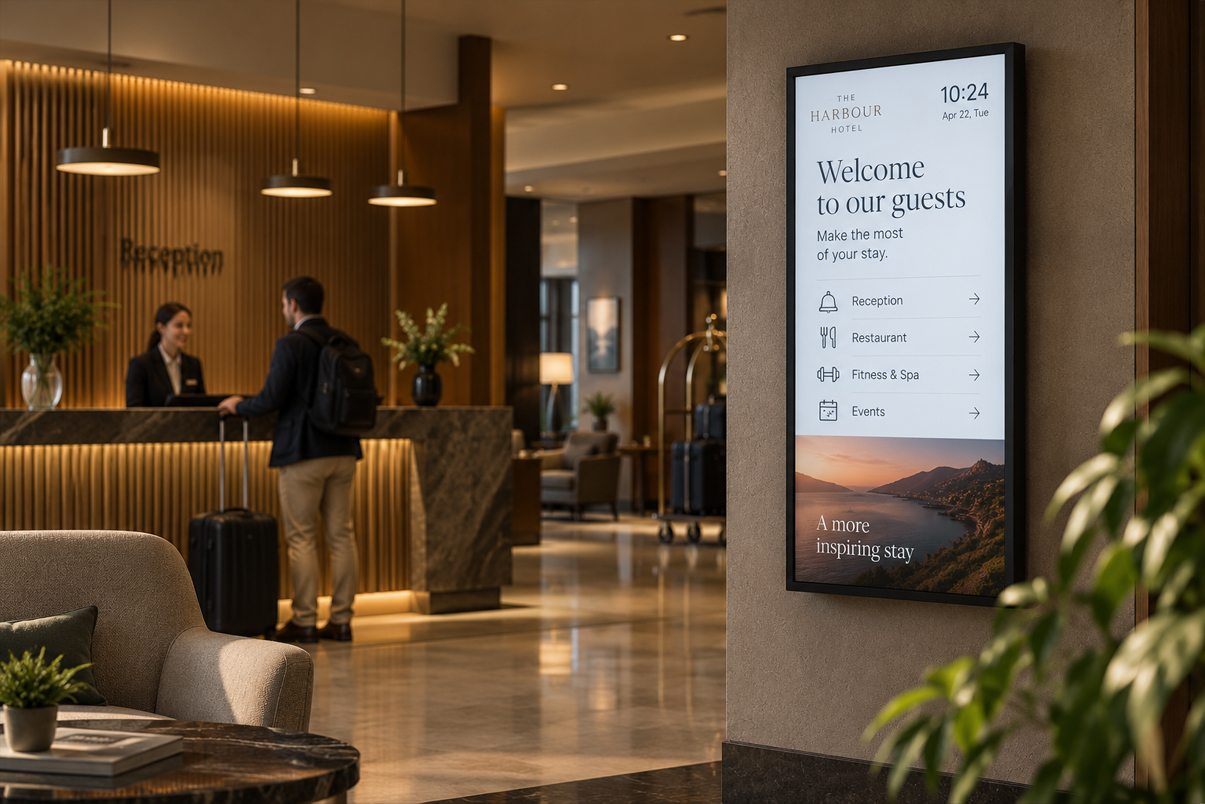
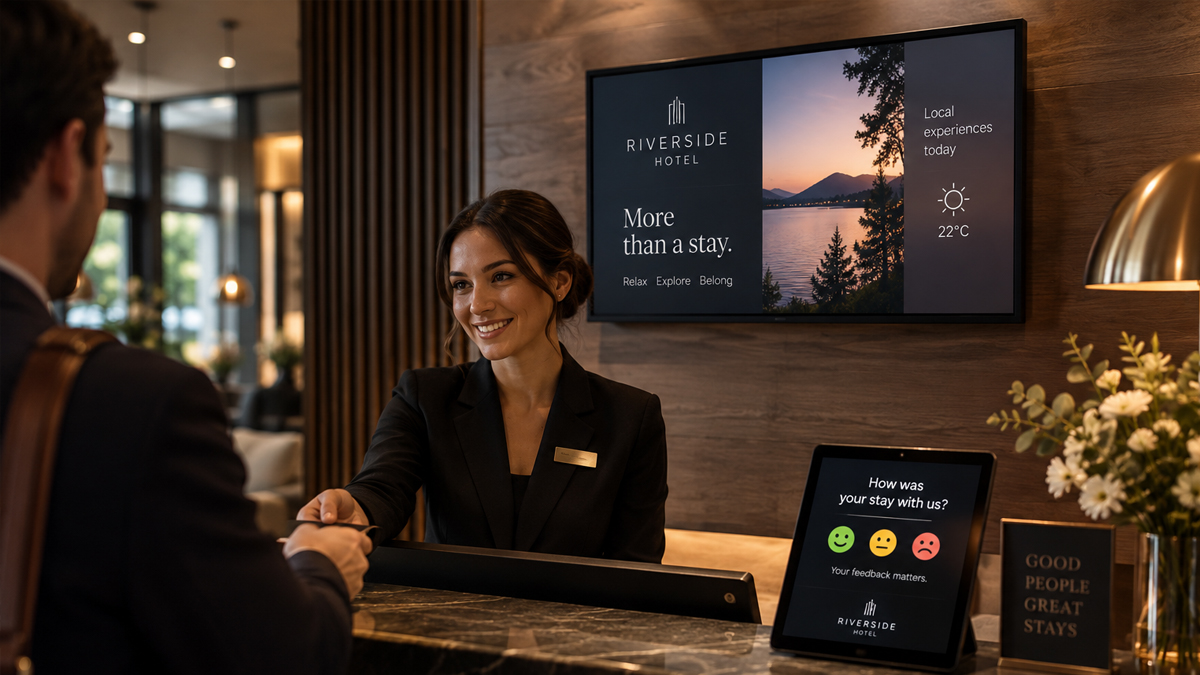
A hotel reception with a welcome display
12 / HOTELS AND EVENTS

A lobby that knows who is arriving today.

A welcome board at reception, room allocation for the conference, today’s programme in the corridor. Guests see where to go without having to ask anyone.

In Cliora: several displays, each with its own content, and one shared link you switch in a single move.

SO WHAT IS IT, EXACTLY?

One workspace.
As many screens as you like.

Cliora is digital signage software: you build content in it, then assign that content to a display or to a shareable link. The workspace runs on your own hosting, and the displays are devices you already have. No monthly fee per screen, no proprietary hardware to buy.

A content editor for any display

Text, images, shapes, video, galleries and QR codes — placed precisely, in your own colours and type. Several pages inside one content, with clickable steps between them.

Load your own website

If something already exists on the web, there is no need to rebuild it. The display loads the address you give it, and returns to it and refreshes on the interval you set.

ArtWall: one picture, several screens

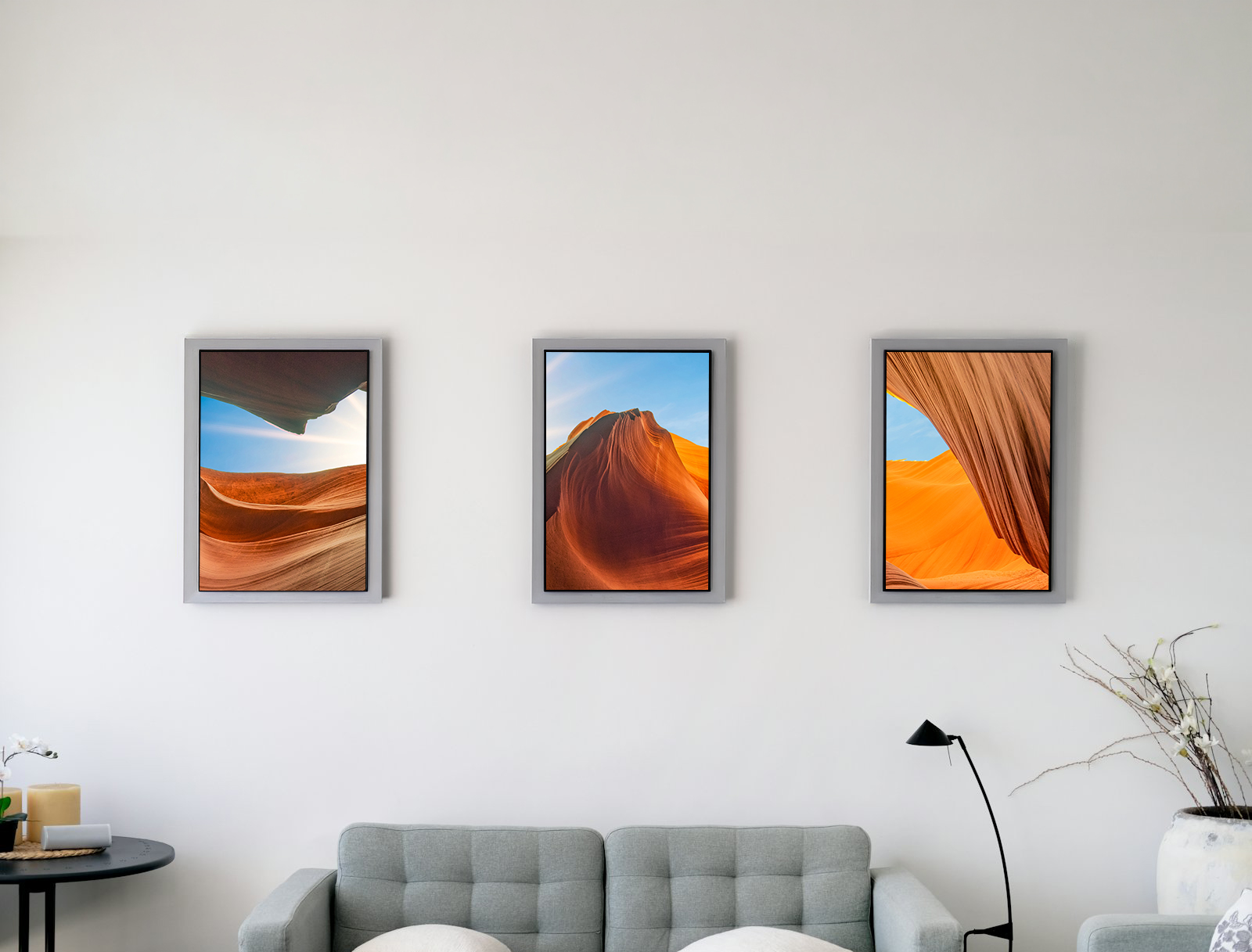
Turn several displays into one surface. Arrange, rotate and scale the panels; Cliora keeps them on a shared clock so they move together.

It starts on old devices

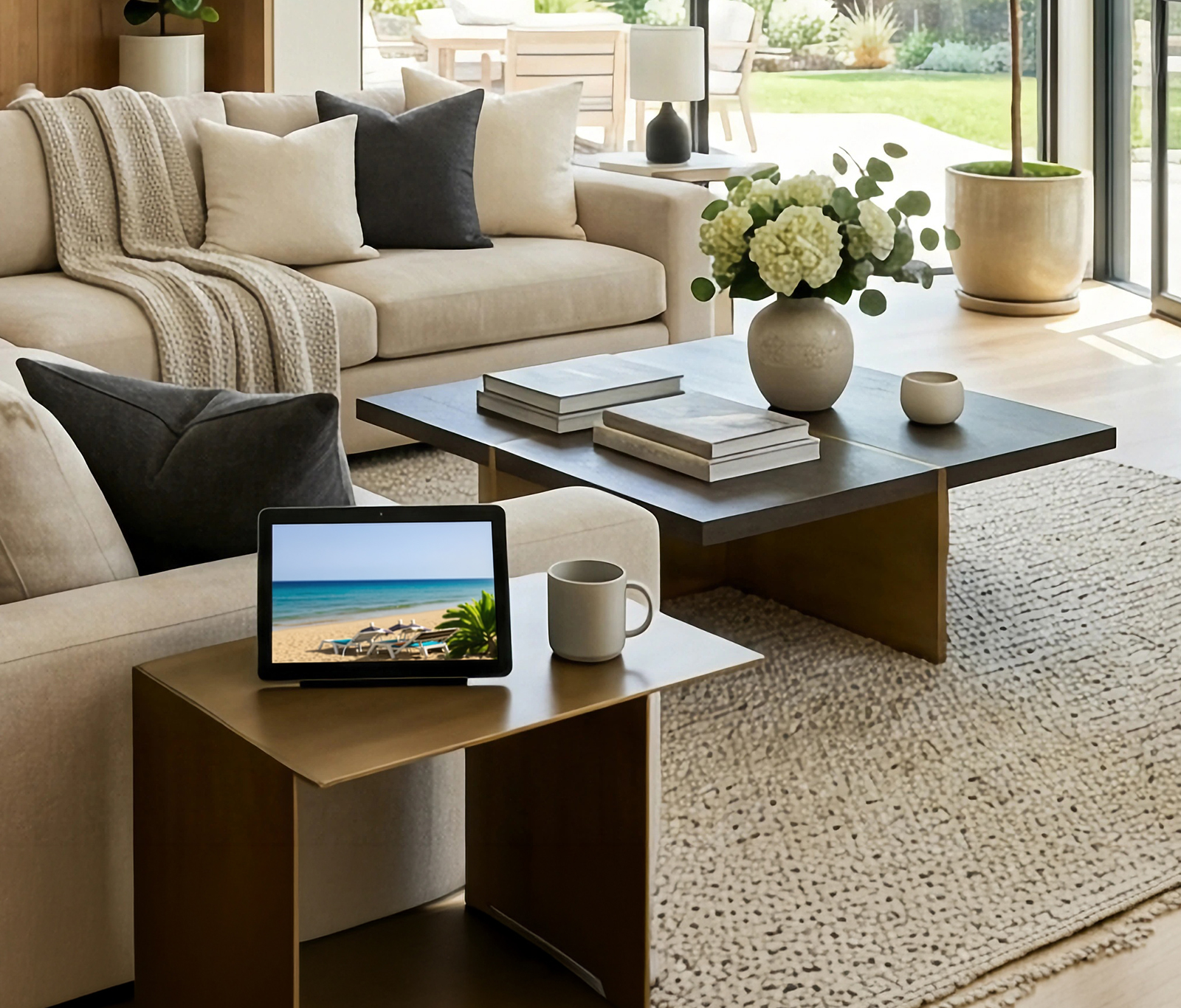
An Android TV box, tablet or phone, a Windows mini PC, a Mac mini, a Raspberry Pi — or simply a browser. If you have a display gathering dust, it just found a job.

Real AI control, outside and inside

Connect Cliora to your favourite MCP-capable AI app and create content, rewrite a headline or switch a screen in conversation. Inside a content you can also place a field the AI refreshes by itself on a set interval.

Several people, each with their own limits

Colleagues, tenants or advertisers with their own accounts. Content, storage, link, artwall and device limits are set per user, and folders carry their own permissions.

Fully usable from a phone

The workspace works on mobile: pair a device by QR, swap content, check status. For detailed design work a big screen is simply more comfortable.

No database, just FTP

Copy the folder to your hosting, open it in a browser, and the first page creates the administrator account. No database, no command line, no setup wizard.

WHY IT IS WORTH IT

The screen is not the improvement.
Not having to think about it is.

Efficiency

No printing, no laminating, no walking the building. One change in one place, and every display that needs it follows. What used to take half a day takes two minutes.

A more modern, more serious impression

A well-made screen leaves a different impression than a faded A4 sheet held up with tape. The same message, with a great deal more credibility.

Control stays with you

Your content sits on your hosting, on your own domain. Nothing has to be handed over, nothing has to be uploaded to somebody else’s cloud, and you can take a copy of all of it whenever you like.

AND COMPARED TO THE OTHERS?

What we do differently.

Most digital signage services charge a monthly fee per screen, sell you their own player hardware, and keep everything in their own cloud. Each of those has its place. Cliora set off down a different road.

No monthly fee per screen

The tenth display costs the same as the first: nothing. That is not a trial period, it is how it works.

No dedicated hardware needed

We do not sell players. Whatever is lying around at home or in the storeroom becomes a display — and if it dies, anything else will do.

Your server, your data

Your content is not held in somebody else’s cloud but on your own hosting. For many organisations that is not a convenience, it is a condition.

AI is not a bolt-on

Cliora has been controllable over an MCP connection from the start, and fields inside a content can refresh themselves through AI. It is not a “generate text” button in the editor.

Installed in a minute

FTP, browser, done. No database, no container, no command line — though Docker is coming for those who want it.

Several screens, one picture

ArtWall is not a separate product and not an add-on price: it is included, and it builds a video wall out of old monitors.

HONESTLY

Free, and still being built.

Cliora is free to use. Installed on your own hosting there is no per-screen price and no subscription — the administrator sets the limits there, and can give new registrants a default allowance. On a shared workspace you get whatever the administrator grants you.

In return, please be patient with us: Cliora is under active development, it grows version by version, and there is no 24/7 support desk behind it. Keep your own copies of anything important, and if something breaks or is missing, tell us — that is where the next versions come from.

Find a screen with nothing to do.

This does not need a big decision. Download a player, put the workspace on your hosting, and try it on one display. If it works for you, the rest can follow.

If you have an idea that is not on this list, write to hello@cliora.eu. Most of the examples above started that way.

The pictures above are illustrations. Playback requires a compatible browser or Cliora app and an internet connection. AI features require your own MCP-capable AI application and an authorized connection.